
 4 hours
 27 lessons
 Intermediate
Course Summary
Course leader: Daniel Rashidi
Daniel Rashidi has 15 years of experience in the game development industry, serving as a senior technical artist and technical art director on both indie and AAA projects, including Battlefield and Battlefront.
During Daniel’s career, he has worked with talented coworkers at renowned companies such as Blizzard, DICE, and Starbreeze.
In recent years, Danial has transitioned to freelancing and game development, allowing him to focus on the areas of game development he is most passionate about. For the past five years, Danial’s primary focus has been procedural generation, which he describes as a fascinating tool for creating immersive, dynamic, and unique game worlds.
Whether it’s small or large systems, Daniel describes procedural generation as a powerful tool for iterating quickly when developing a game.
Course Outline
 Module 1: Overview of Procedural Content Design
- Introduction
Module 2: Setup of the Foundation
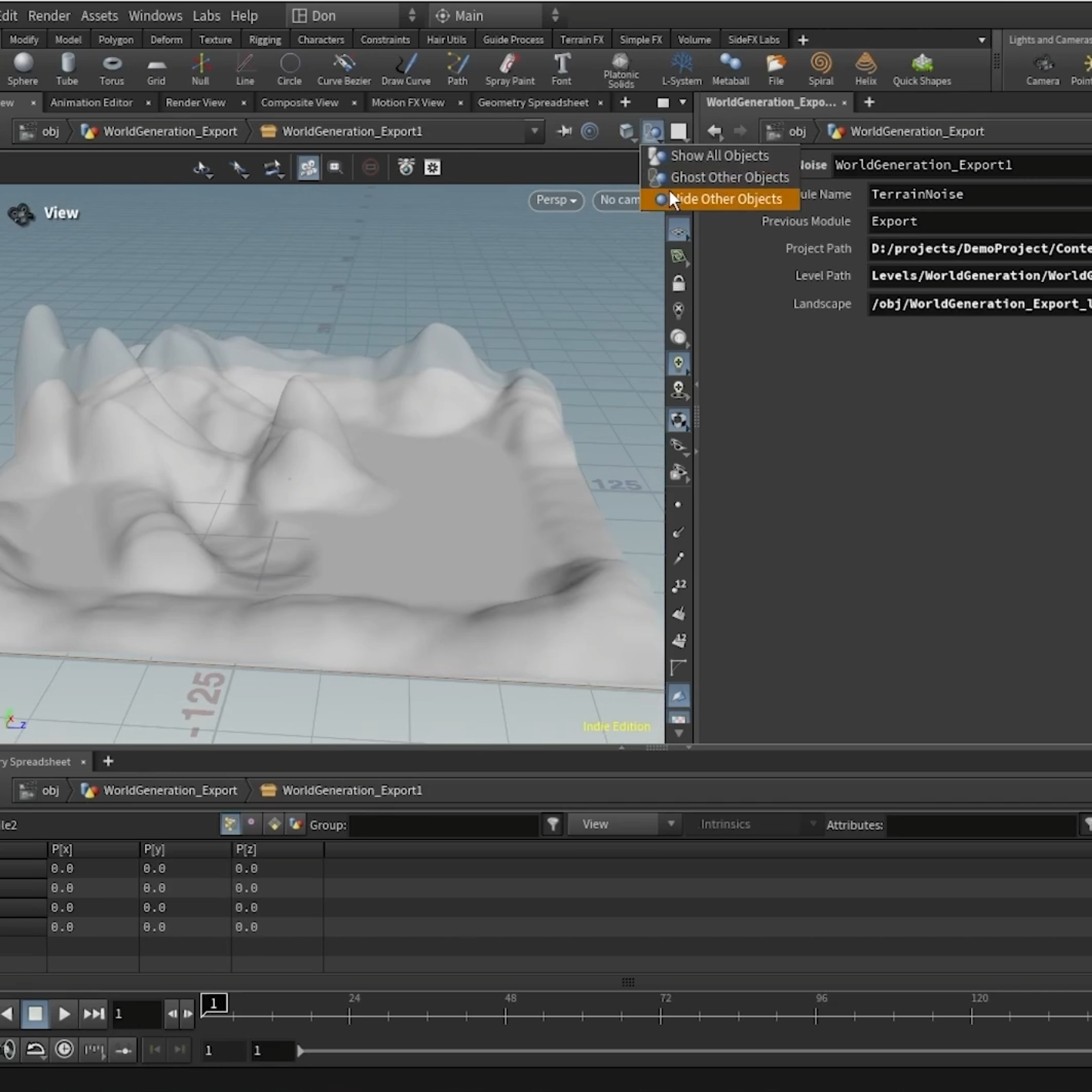
- Setting up Houdini
- Testing Plugin
- Large Scale
- Setting up basic HDA
- Setting up inputs and outputs
- Creating the interface
- Ensuring that we can build automatically
Module 3: Adding modules to the World Generation Setup
- Terrain module modification
- Update the interface to reflect multiple HDA
- Exporting changes as an additive layer
- Scattering assets
- Replacing the forest with trees
- POIs
- Landscape painting
Module 4: Real World use Case
- Using tool to create Island
- Trees affecting the terrain
- Spawning gameplay elements
Module 5: Future Steps
- Plan your work
- Optimisations
- Building a large world
Module 6: Conclusion
- Expected takeaways
Note: Some of the steps in the modules above require a Houdini license*


